How to Use Word Searches in the Classroom: A Teacher's Guide (With Free Maker & Printables)

It's Thursday. Your sub plans are due tomorrow, or the early finishers are done early again, or there are eight minutes left on the clock and a room full of restless seventh graders. And you think to yourself, "It's time to pull out the word searches."
Word searches keep showing up in classrooms because they handle those exact moments. They're self-contained. They check themselves once you hand out the answer key. And from a single word list, you can give harder versions to skilled groups and an easier one to those who need the practice.
This guide covers when a word search genuinely helps students learn, when it's honestly just busywork, and how to build one from your own vocabulary list in about five minutes.
What Word Searches Actually Teach (and What They Don't)
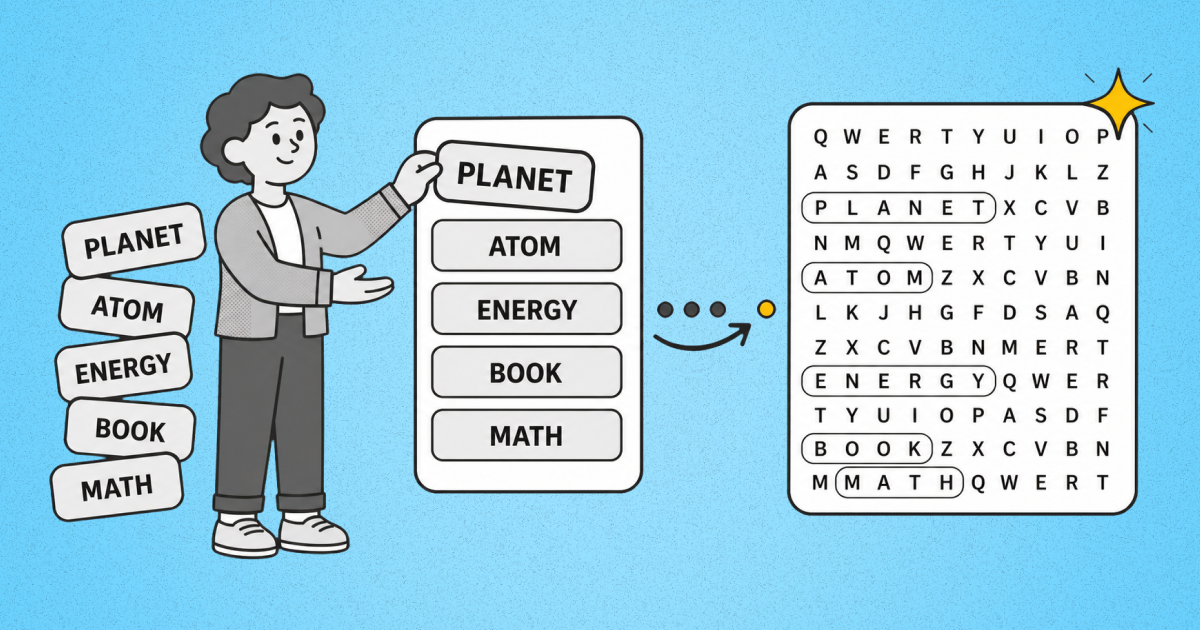
There are many things that word searches can actually do. It sharpens word-form recognition — what reading researchers call orthographic processing, the brain's knack for seeing a letter string as one unit instead of sounding it out. It gives students repeated looks at correct spellings, reinforces vocabulary they've already met, and builds familiarity with letter patterns. Each time a student locates a word in the grid, they've made three or four visual contacts with its correct spelling. That kind of distributed exposure is one of the ways the brain moves new words into long-term memory.
What a word search can't do is teach comprehension or introduce a concept for the first time. Finding the word "PHOTOSYNTHESIS" in a grid tells you nothing about what photosynthesis is. The puzzle reinforces words students have already encountered; it doesn't deliver meaning. So treat it as the second or third contact with a term — after you've taught it — not the first.
That distinction matters because it's the difference between a word search that does instructional work and one that just fills time. Both have their place. Just be honest with yourself about which one you're handing out.
Seven Ways to Use Word Searches in the Classroom
1. Vocabulary reinforcement after a lesson
This is the best-case use, and the one with the most learning behind it. At the end of a unit lesson, drop your vocabulary list into the word search maker, generate a puzzle, and give students 10 minutes to find the terms you just taught. They get repeated exposure to the spellings while the concepts are still fresh, and you get a quiet, productive close to the lesson. Pull the exact words from your word wall — a puzzle built on this week's 15 terms does far more than a generic themed one that includes words they haven't met yet.
2. Spelling practice without the drill
Repeated visual exposure to correct spellings is how spelling sticks, and a word search delivers that exposure in a format students actually choose to finish. Pair it with your weekly spelling list: the same words students are studying for Friday's test show up in the grid Tuesday and Wednesday, building familiarity without another rote drill sheet.
3. Early-finisher activities
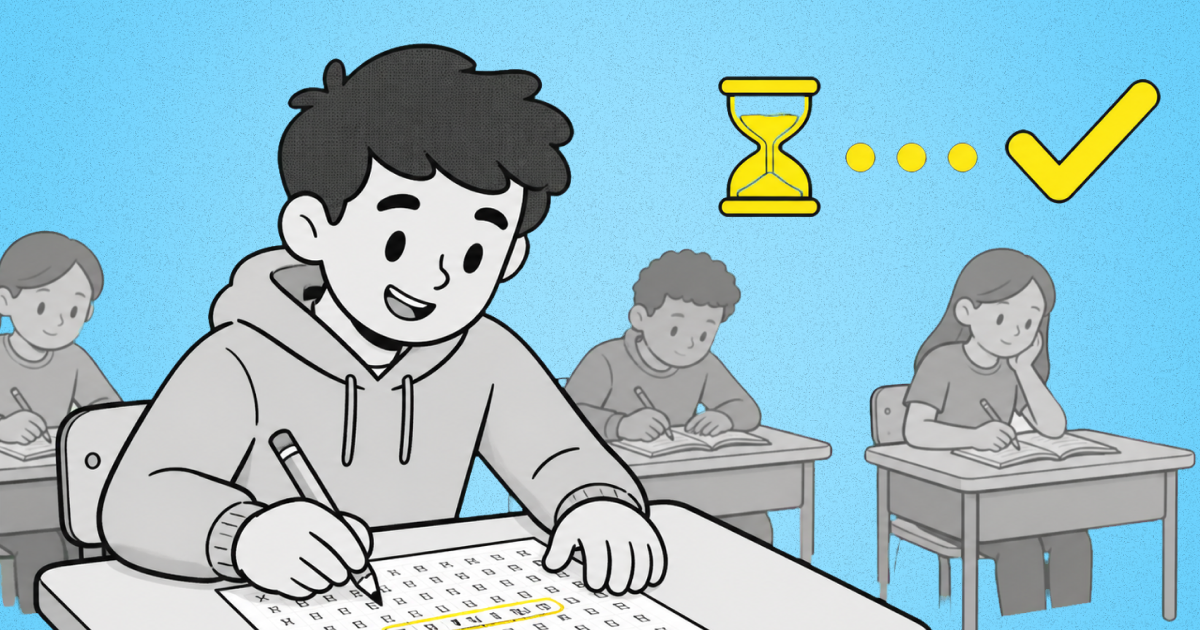
The classic classroom-management problem: a handful of students finish the assignment with 15 minutes to spare. Keep a stack of themed printables from the printable library in a folder by your desk. When someone's done early, they grab one. Themed options — animals, space, whatever ties to your current unit — keep it from feeling like punishment work. The instruction here is simple: print, stack and let students help themselves.
4. Sub plans and emergency fillers
A word search with an answer key is sub-proof. It needs no setup, no explanation, and no expertise from whoever's covering your room — the puzzle is self-contained and self-checking. If you build a small bank of printables tied to your subject, a substitute can hand them out and students can check their own work, no lesson-planning required on a day you're out sick.
5. Clue Mode: Turn It Into a Definitions Quiz
This is the one most word search sites don't have. Instead of listing the words students need to find, clue mode shows the definitions or hints, so a student has to actually know the word before they can locate it in the grid. A vocabulary review becomes a low-pressure quiz. The hint "a green pigment in plant cells" sends them hunting for "CHLOROPHYLL", not just pattern-matching a string of letters they were handed.
Most makers can't do this — they only show the word list. That single change turns a recognition activity into a recall activity, which is a meaningfully harder cognitive task and a far better check of whether the vocabulary stuck.
6. Differentiation by grid size and difficulty
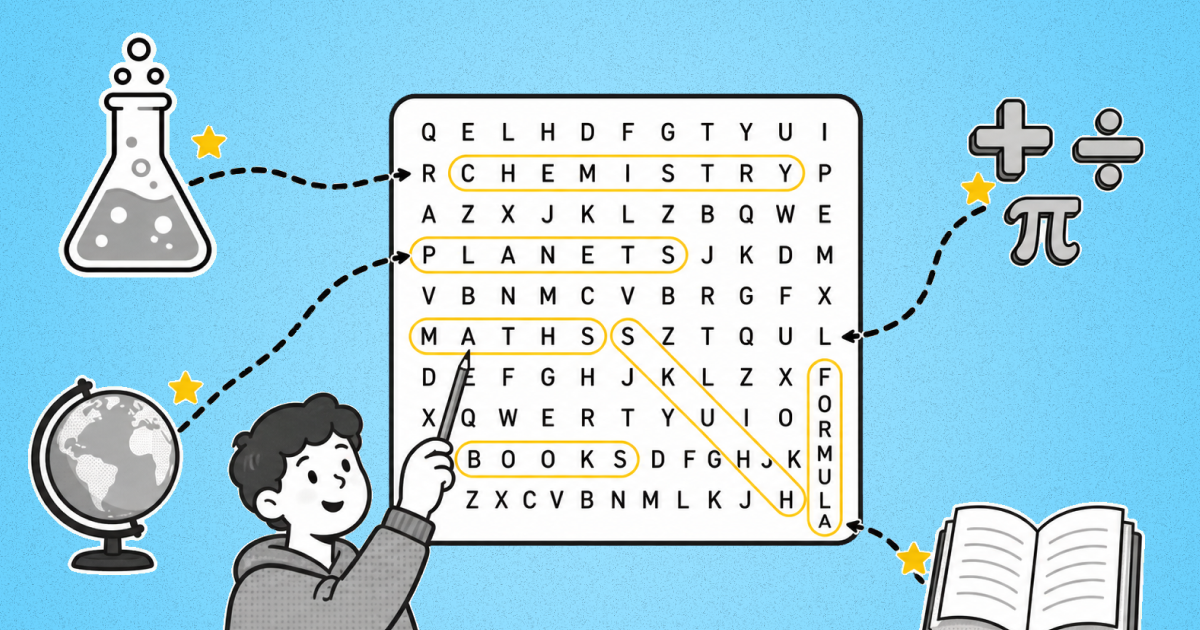
One word list, three versions. Generate a 10×10 with horizontal-and-vertical words only for students who need support, a 15×15 for your core group, and an 18×18 with reverse and diagonal placement for the student who finishes everything in four minutes. Every group works on the same vocabulary and joins the same discussion afterward — the only thing that changes is the grid. Because each puzzle has its own shareable link, you can hand each group its own URL without printing three separate stacks.
7. ESL/ELL vocabulary support
For English-language learners, a word search builds word-form recognition without requiring students to produce language — they only have to match a visual pattern, which works even at very early proficiency levels. A student who can find "CAT" in a grid is building print awareness before they can confidently read the word aloud. For visual accessibility, a large-print word search keeps the grid legible for students who need bigger type.
Which Grid Size for Which Grade?
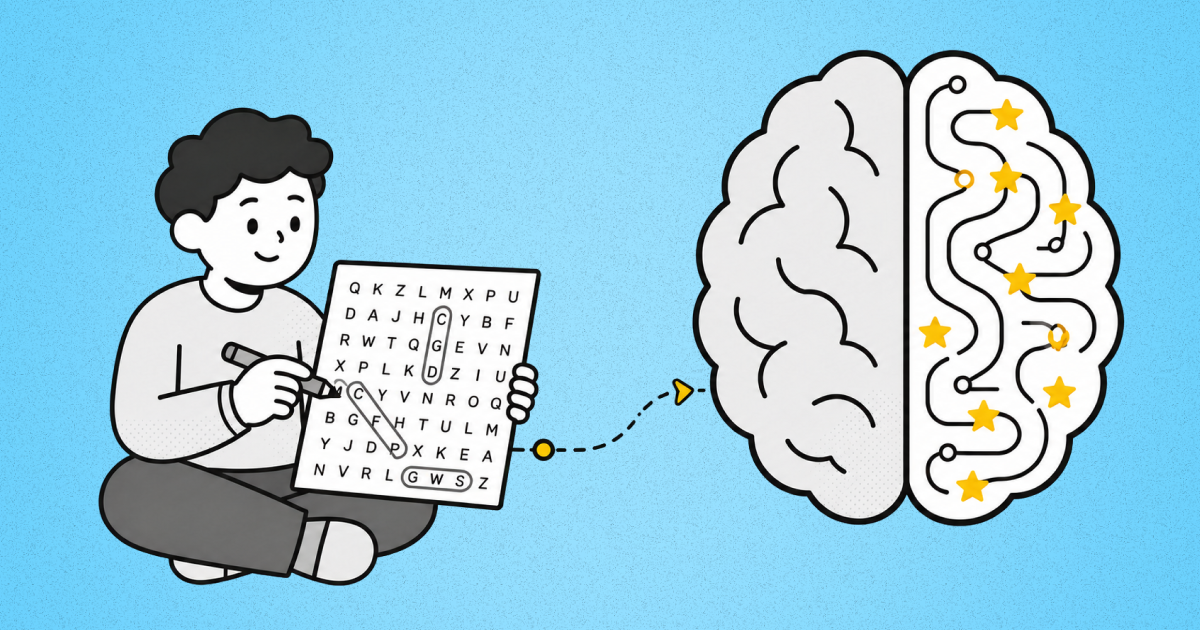
Matching grid complexity to grade level is the single biggest factor in whether a puzzle feels like a fair challenge or a frustration. Use this as a planning guide and adjust to your specific group:
Grade Band | Grid Size | Difficulty | Word Count | Time Estimate | Best Format | Style |
|---|---|---|---|---|---|---|
K–2 | 10×10 | Easy | 5–8 | 5–8 min | Printed | Standard |
Grades 3–5 | 12×12 | Easy | 8–12 | 8–12 min | Either | Standard |
Grades 6–8 | 15×15 | Medium | 12–16 | 10–15 min | Browser | Either |
High School | 18×18 | Medium | 15–20 | 12–20 min | Browser | Clue |
Adult Ed | 15×15–18×18 | Hard–Expert | 15–20 | 12–20 min | Either | Clue |
How to Make a Custom Word Search in Five Minutes
Building a puzzle from your own vocabulary takes about five minutes from start to printable:
1. Paste your word list. Pull the 10 to 15 terms from your lesson plan or word wall and drop them into the word search puzzle maker.
2. Pick your size and difficulty. Match the grid to your grade band using the table above — smaller grids and basic up-and-down-only for younger students, larger grids with diagonals and reversed for advanced.
3. Toggle clue mode if you want a quiz. Leave it off for a standard find-the-word; turn it on to show definitions instead and make students recall the term.
4. Share the link or print. Send students the puzzle link directly, or download a clean PDF for photocopying.
It's completely free, there's no signup, and there's no account wall standing between you and the download. Paste, pick and print in under ten minutes!
Free Printable Word Searches by Theme
If you'd rather grab something ready-made, the printable library has 70-plus themed word searches, all in ink-friendly black and white with answer keys included. Themes run from animals and space to holidays and core subjects, and seasonal sets — Halloween, Christmas, and the rest — are there when you need them. Browse the full collection, or start with a few representative theme pages: an animals word search, a space word search, or a Christmas word search.
Frequently Asked Questions
Are word searches educational?
Definitely — when used for the right job! A word search reinforces vocabulary students have already met, gives them repeated exposure to correct spellings, and builds letter-pattern recognition. It works as a formative check — evidence a student has been exposed to the words — rather than a graded test, since it measures recognition instead of recall. It does not teach comprehension or introduce new concepts, so lean on it for review, not initial instruction.
What grade level are word searches good for?
Every grade band, from kindergarten through adult education — the trick is matching the grid to the level. K–2 students do best with a 10×10 grid, 5–8 high-frequency words, and horizontal-only placement, while high schoolers can handle an 18×18 grid with 15–20 words running in every direction. See the grade-level table above for the full breakdown.
How do I make a word search for my class?
Paste your vocabulary list into the word search puzzle maker, choose a grid size that fits your grade level, toggle clue mode on or off, and print or share the link. The whole process takes about five minutes, and the puzzle is ready to use immediately.
Are the printables really free?
Yes, and there's no signup. Every printable in the library downloads as a clean PDF with no account wall and no email gate — you click, you get the PDF, you print it. No catch.
Can students play online instead of on paper?
Yes. Every puzzle can be played directly online with instant feedback, and there's a Daily Mini plus unlimited puzzles for students who want to keep going. Online play offers built-in accessibility features like adjustable font size; printables work better for paper routines and device-free classrooms.
Do the printables include answer keys?
Every printable comes with an answer key, which is what makes them work for sub plans and self-checking. Students — or a substitute — can verify the completed puzzle without you in the room.
Supplement Your Lessons With a Word Search Today!
Make your lessons stick better and more interactive by using word search puzzles. Need it now? Print from the theme library. Building your own? The word search puzzle maker is always open.
 Mini Crossword
 Midi Crossword
 Diffle
 Killer Sudoku
 Numberle